👉 Got your business listed on Google, but finding it hard to get reviews coming in? You’re not alone.
Many business owners are keen to know how to get reviews on Google My Business (now Google Business Profile), and how to get more Google reviews in a genuine, consistent way that actually works.
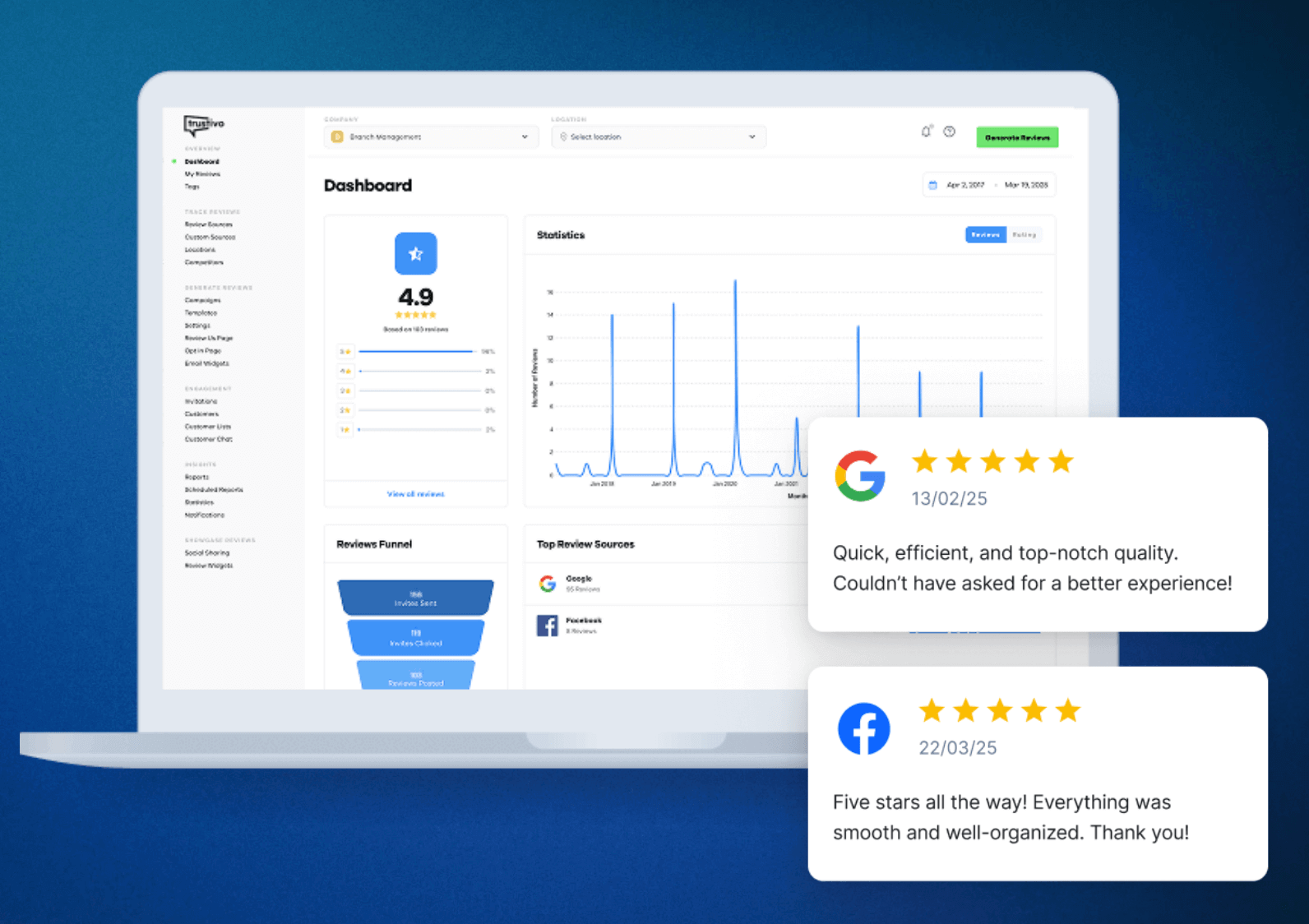
And there’s a solid reason to focus on it — businesses with strong Google reviews can see up to an 18% lift in revenue (Wisernotify).
The challenge is, getting those reviews isn’t always easy.
Many business owners don’t know where to begin — or they ask questions like, “Can you pay for Google reviews?”
(Short answer: you can… but you really shouldn’t.)
In this guide, we’ll cover simple, proven ways to get more Google reviews the right way — plus how to set up a process that keeps them coming in automatically, so you’re not manually asking every customer yourself.
You’ll learn:
✅ What to check before you can start collecting Google reviews
✅ How to get more Google reviews consistently and naturally
✅ Easy, non-awkward ways to ask customers for feedback
✅ What to avoid doing — including paying for Google reviews
Let’s dive in.
Step 1: Make sure your Google Profile is set up
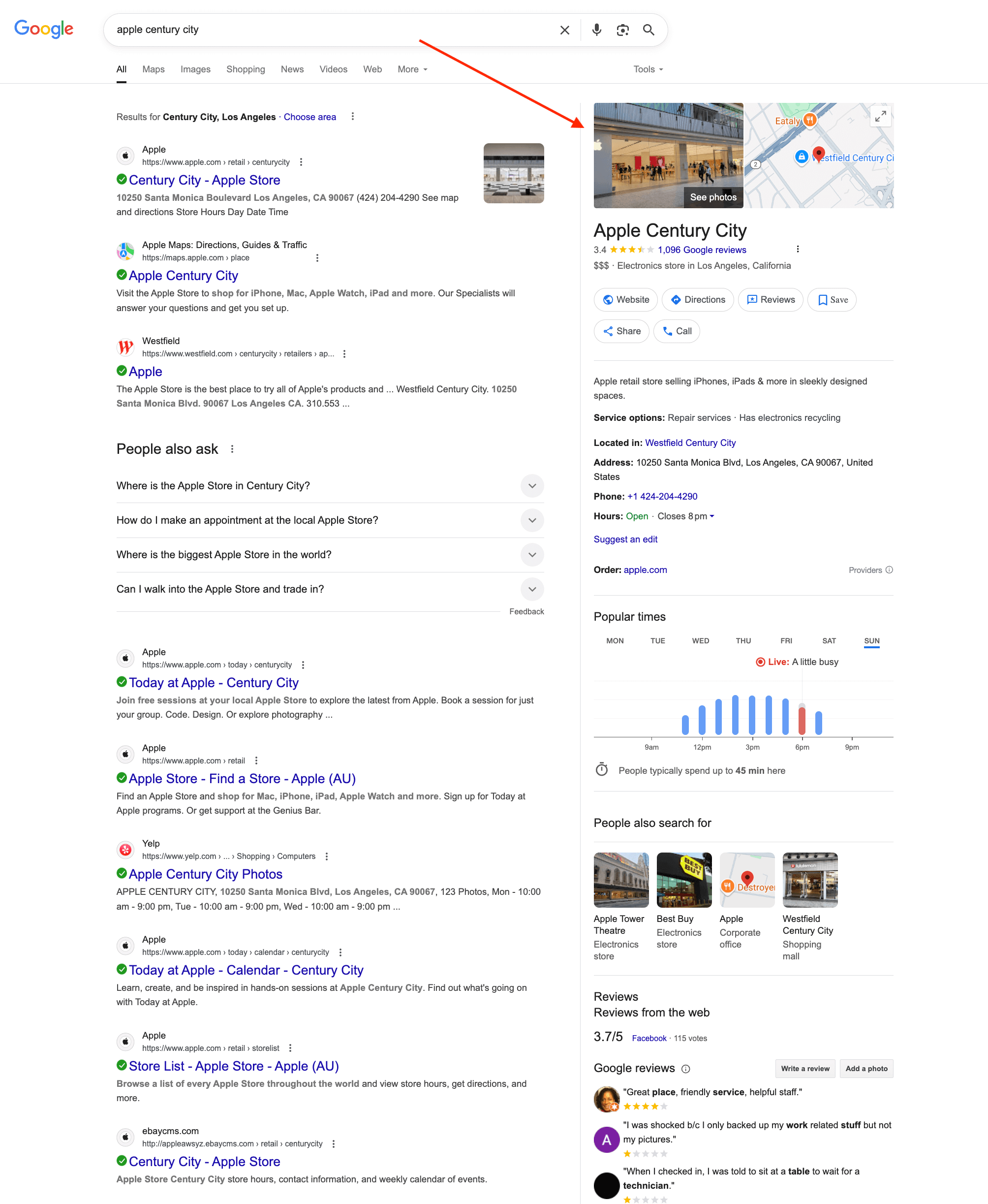
Before people can start leaving reviews, your Google Business Profile (GBP) needs to exist and be verified by Google.
This profile is what shows up when someone searches for your business name on Google or views it on Google Maps — it’s also where every customer review will appear.
✅ If your profile is already live and verified:
Great — you can move straight on to Step 2.
❌ If you’re unsure or haven’t set one up yet:
Follow the steps in our guide: How to set up Google reviews.
It explains how to:
- Find out whether a profile already exists for your business
- Create a brand-new one if needed
- Verify your profile
- Prepare it to start collecting reviews properly
Once your profile is confirmed and active, you’re ready to begin getting reviews — so let’s move to Step 2.
Step 2: Make it easy for customers to leave a review
If people have to hunt around to figure out where to leave you a review, most won’t do it.
That’s why one of the easiest ways to get more Google reviews is to give them a direct link that opens your Google review form instantly.
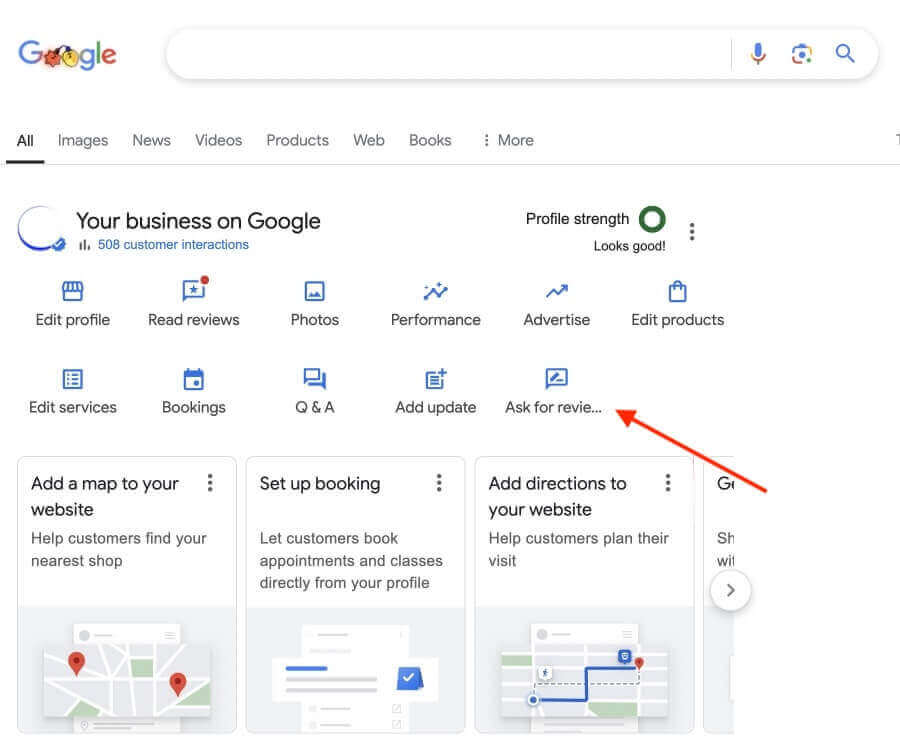
✅ Already have your Google review link?
Perfect — you’re ready to move to the next step.
❌ Haven’t got a Google review link yet?
You can find out exactly how to get a Google review link (and even a QR code of it) in our quick guide: How to set up Google reviews.
It only takes a minute or two to get it sorted.
Once you’ve got the link, make it part of your usual customer follow-up process. Making it effortless to review you is the first big step toward getting more feedback.
You can use your link to:
- Send a short text right after a job, delivery or visit
- Add it to thank-you or follow-up emails
- Print it on packaging, receipts or handouts — ideally with a short link or QR code for easy access
Step 3: Ask at the right time
Now that you’ve got your review link ready, the next step is knowing when to ask for a review.
Most customers won’t leave one on their own — even if they loved your service.
🕒 Timing makes all the difference when it comes to whether a customer actually leaves a review (or not).
Try reaching out:
- Right after a job or service is finished
- Soon after they’ve given positive feedback
- Once they’ve had time to use or enjoy the product
This approach feels natural — you’re not interrupting, just checking in while the experience is still fresh in their mind.

✏️ Tip: Keep your request short and friendly.
A quick message works best, something like:
“Thanks again for choosing us! If you’ve got a minute, we’d really appreciate a quick Google review — it makes a big difference.”
💡 Need more ideas for what to say or when to send your Google review link?
Check out our guide: How to ask for a Google review.
It shares natural, low-pressure ways to ask for feedback that actually get results.
Step 4: Stay consistent
Even if you ask at the perfect time and in the right way, the hardest part is keeping it up.
That’s where many businesses lose momentum — they start strong for a couple of weeks, then stop asking altogether.
The good news? You don’t need a flood of new reviews all the time to make progress.
Just a handful of genuine reviews each month can steadily build your Google presence.
📌 Consistency comes from having a simple system, not just good intentions.
That could look like:
- Setting a recurring reminder for you or your team
- Adding a review step into your sales or handover process
- Using a tool that sends review requests automatically (like Get More Reviews — more on that soon)
Even a short delay after a job or purchase can mean missing the ideal moment to ask. That’s why the easier and more automated your process is, the more reliable your results will be.
Step 5: Don’t skip the follow-up
Even happy customers don’t always leave a review the first time you ask. People get busy, forget, or simply plan to do it later — and then it slips their mind
That’s why a friendly reminder can make a big difference. A quick follow-up message often doubles your chances of getting a Google review.
Here are a few easy ways to follow up:
- Send a short text or email 2–3 days after your first message
- Bring it up the next time you chat with the customer
- Add a quick reminder to any aftercare or check-in message
✅ Keep it friendly and light. Something like:
“Hey [Name], just following up in case you missed it. If you’ve got a minute to leave us a quick Google review, it’d mean a lot. Thanks again!”
Trying to manage all of this manually — sending messages, following up, remembering who you’ve asked etc. can be tricky to keep consistent.
That’s where having a simple, reliable system really helps.
Before we show you an easier way to handle it, here are a few bonus tips to help you get even better results.
Bonus tips for better results
Even with a good review process running, there are a few extra things you can do to build more trust and keep your reputation strong.
✅ Reply to your reviews
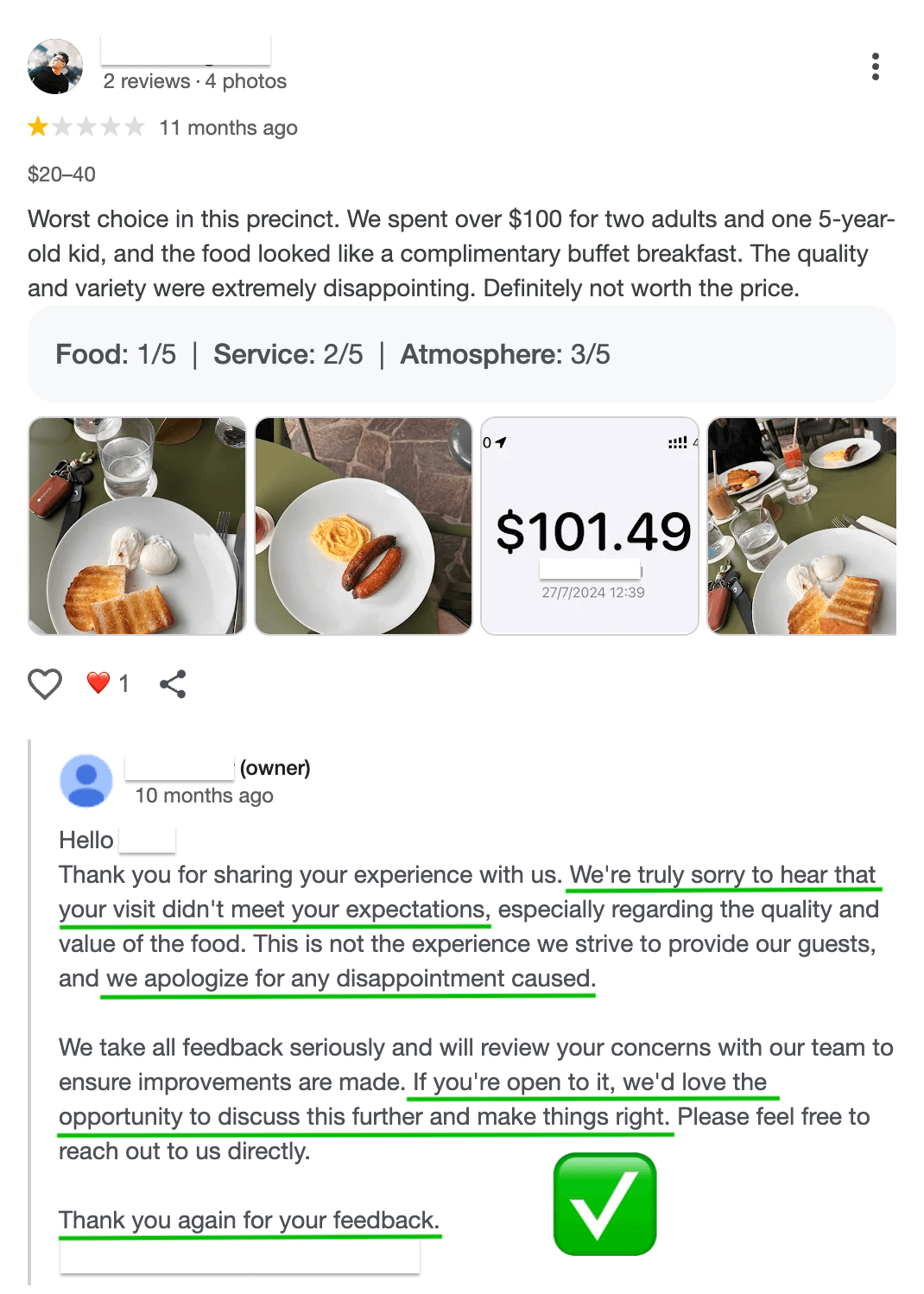
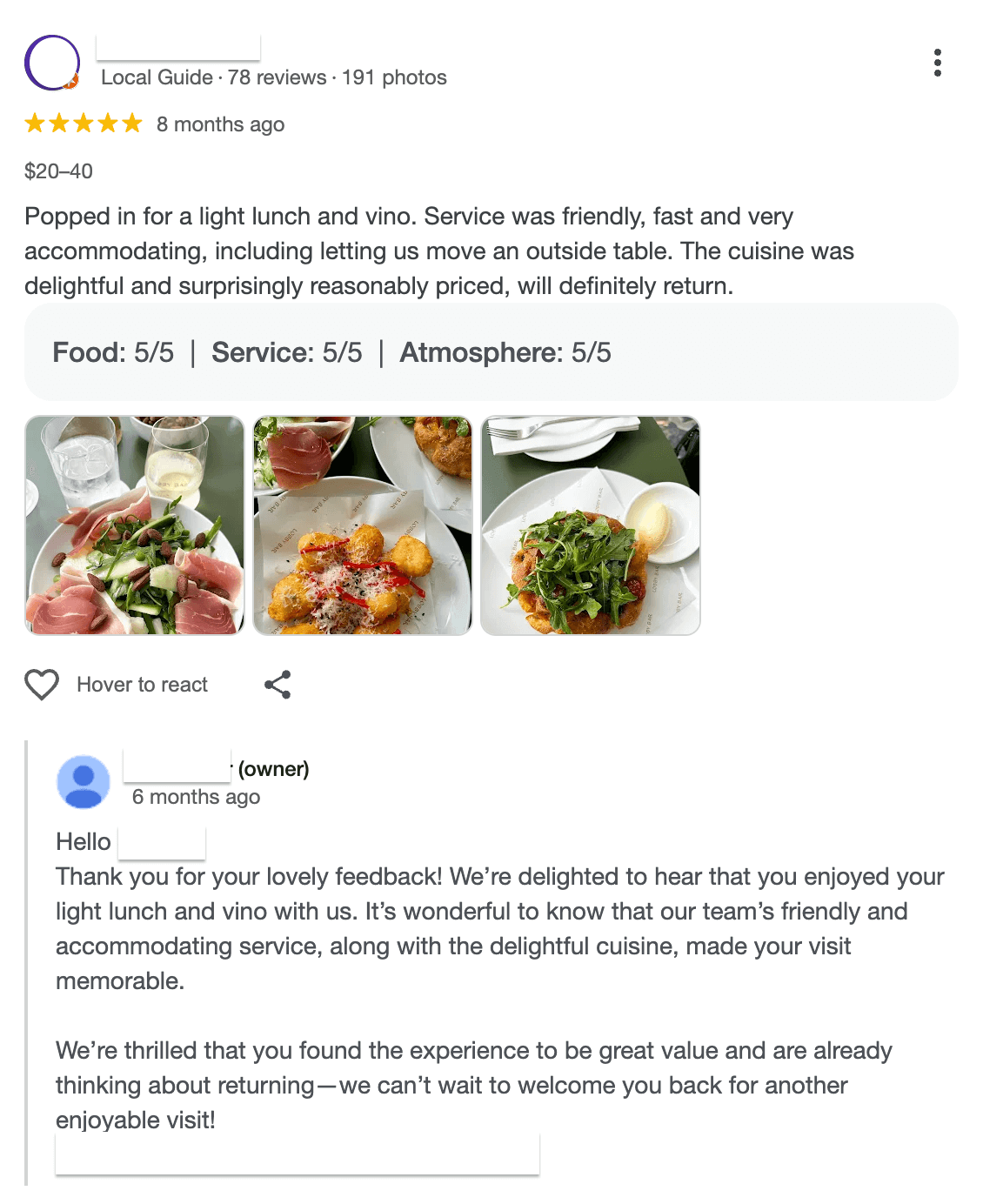
Taking the time to respond — whether it’s a five-star or a one-star review — shows people that you care about feedback and stay involved with your customers.
It also helps Google see that your business is active and engaged, which can boost your visibility in local results like Google Maps.
You don’t need to write anything long or complicated.
Even a quick “Thank you so much for your feedback, we really appreciate it!” makes a great impression.
🚫 Avoid shortcuts (like fake reviews)
Some business owners still wonder — can I pay for Google reviews?
Technically, yes. But doing it puts your entire profile at risk.
Buying reviews or asking friends to leave fake ones might seem like a quick fix, but Google’s detection systems are getting smarter all the time.
If those reviews are flagged as fake or manipulated, Google can delete them — and in serious cases, even suspend your Google Business Profile. That means losing all your hard-earned reviews, review progress and trust from real customers.
💡 What actually works better
Focus on collecting genuine reviews from real customers. It may take a little longer, but it builds authentic credibility — the kind of trust no shortcut can buy.

Want an easier way to get more Google reviews?
The steps above work — but staying consistent is what really moves the needle.
That’s where Get More Reviews comes in.
Our review tool automatically sends review requests to customers after each job, purchase, or appointment — then follows up gently if they don’t respond.
It even gives unhappy customers a private way to share feedback, so issues can try to be resolved before they go public.
Prefer to stay more hands-on? You can still send review requests individually whenever it suits you.
With Get More Reviews running quietly in the background, you’ll never have to chase customers for feedback again.
👉 [Start your 30-day free trial today]