👉 Maybe you posted a Google review too soon, your experience changed, or you’ve simply decided you’d rather take it down.
Whatever the reason, deleting a review you’ve written is quick and straightforward once you know where to go.
If you’ve been wondering, “How to remove a review I posted on Google?” — this step-by-step guide will show you exactly how to do it in just a few clicks.
We’ve also included answers to a few common questions at the end, like:
🔵 Why was my Google review removed?
🔵 Does the business know if I delete my review?
🔵 Can I remove a review from another Google account?
Let’s begin with how to do it from your computer.
How to remove a review on desktop 🖥️
If you’re on a laptop or desktop, here’s how to find and remove the Google review you’ve written:
1. Open Google Maps in your web browser (Safari, Google Chrome, Firefox etc.)
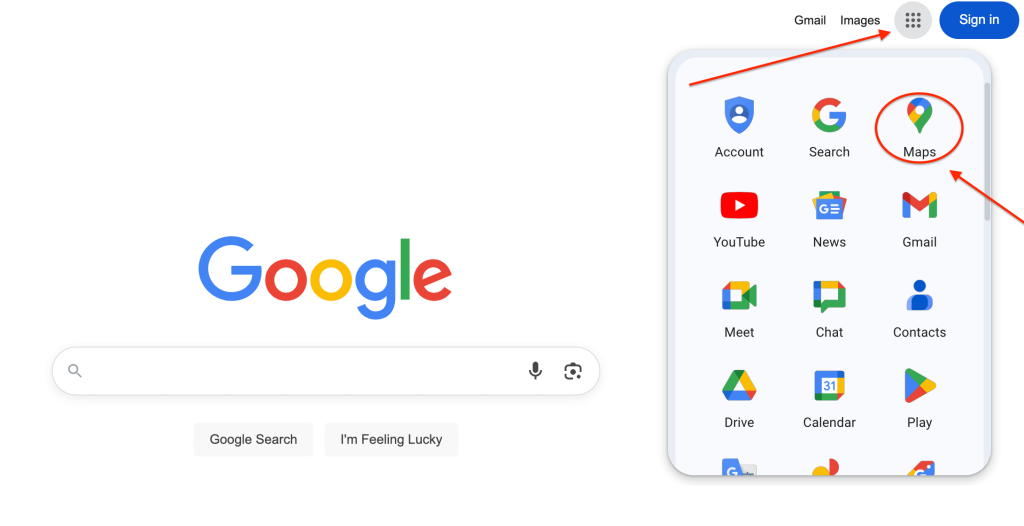
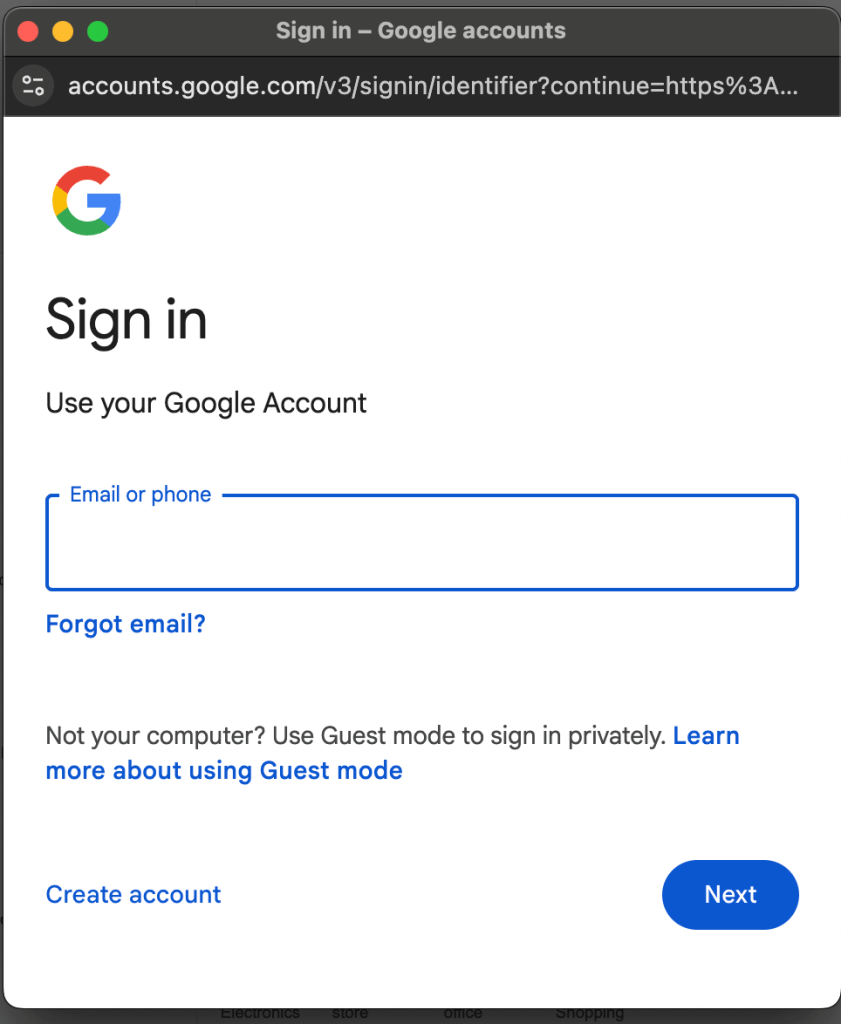
2. Sign in to your Google account that you used to leave the review (if you’re not already).
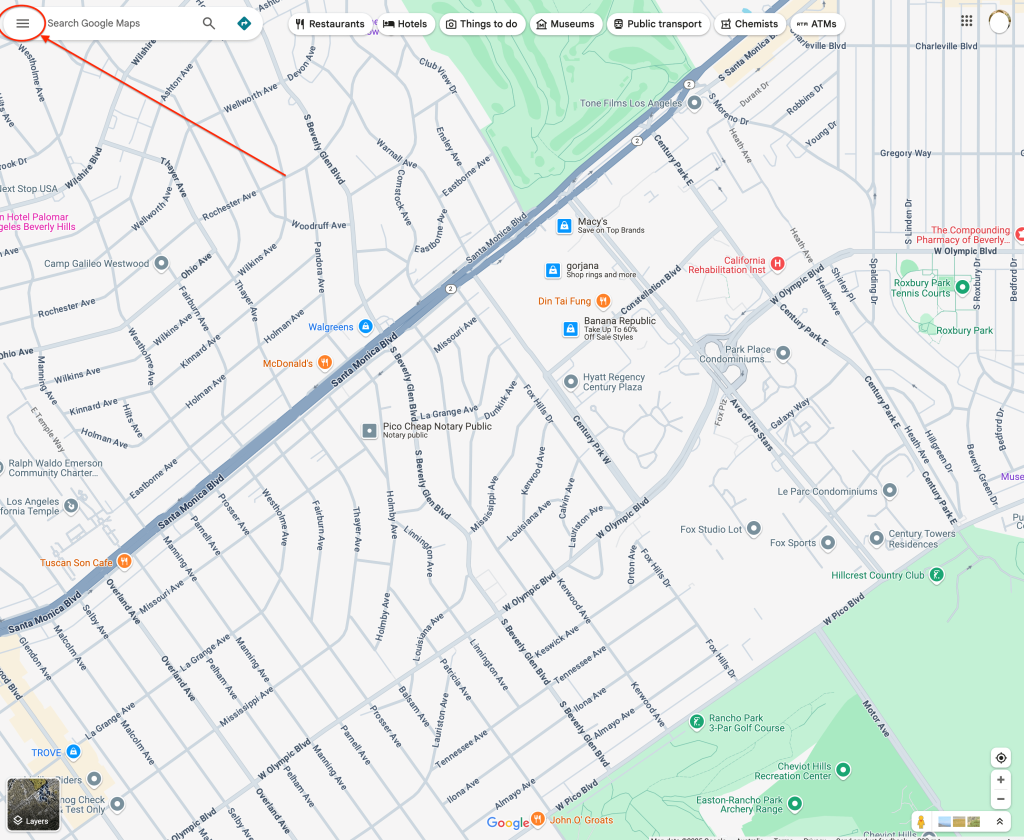
3. Click the menu option (☰) in the top-left corner of the screen.
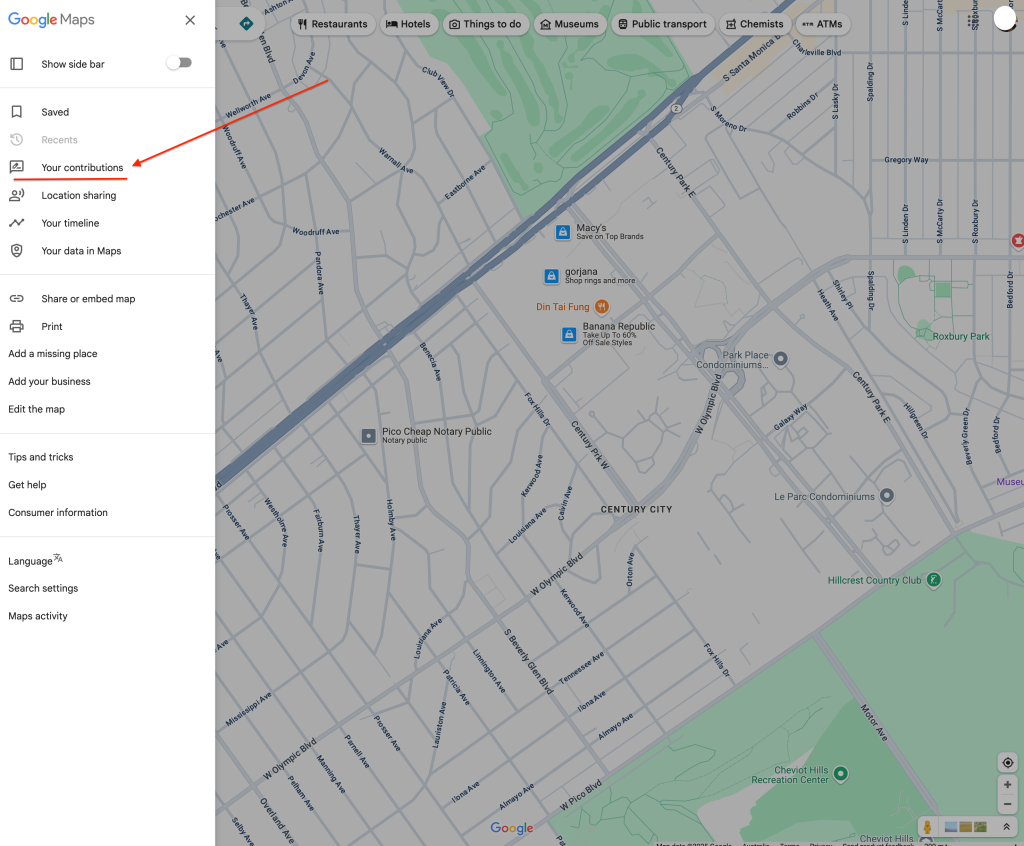
4. Choose “Your contributions”.
5. Go to the “Reviews” tab.
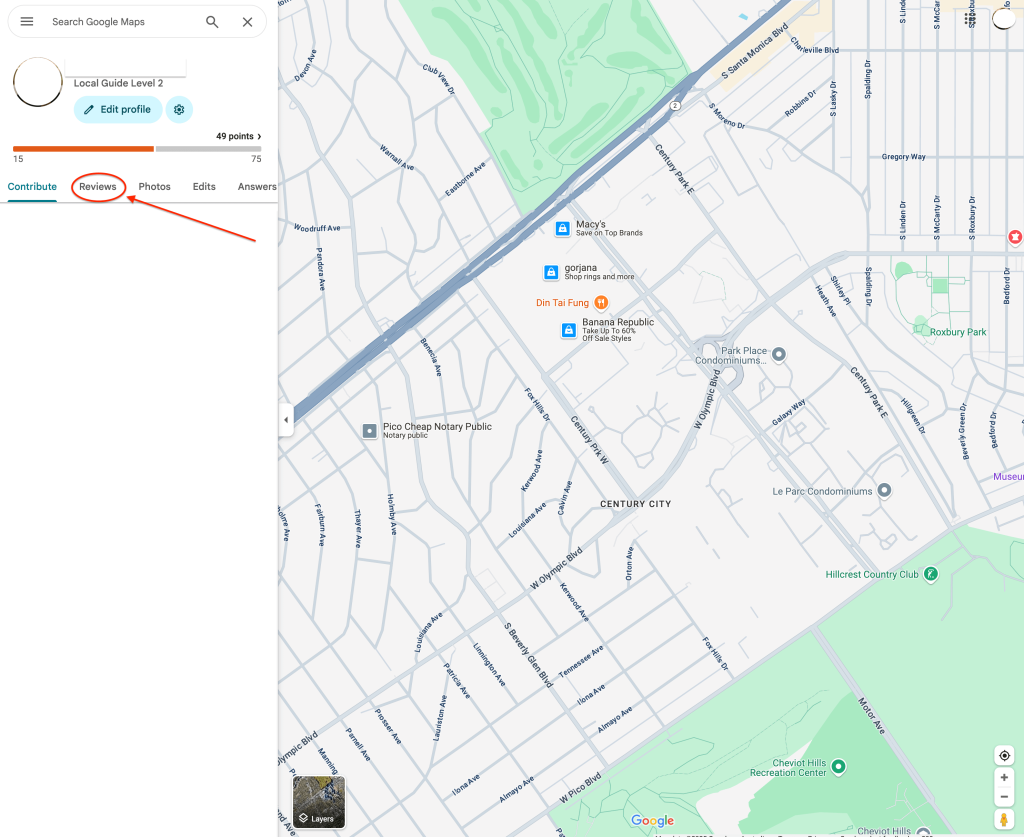
6. Scroll through the list to find the review you want to remove.

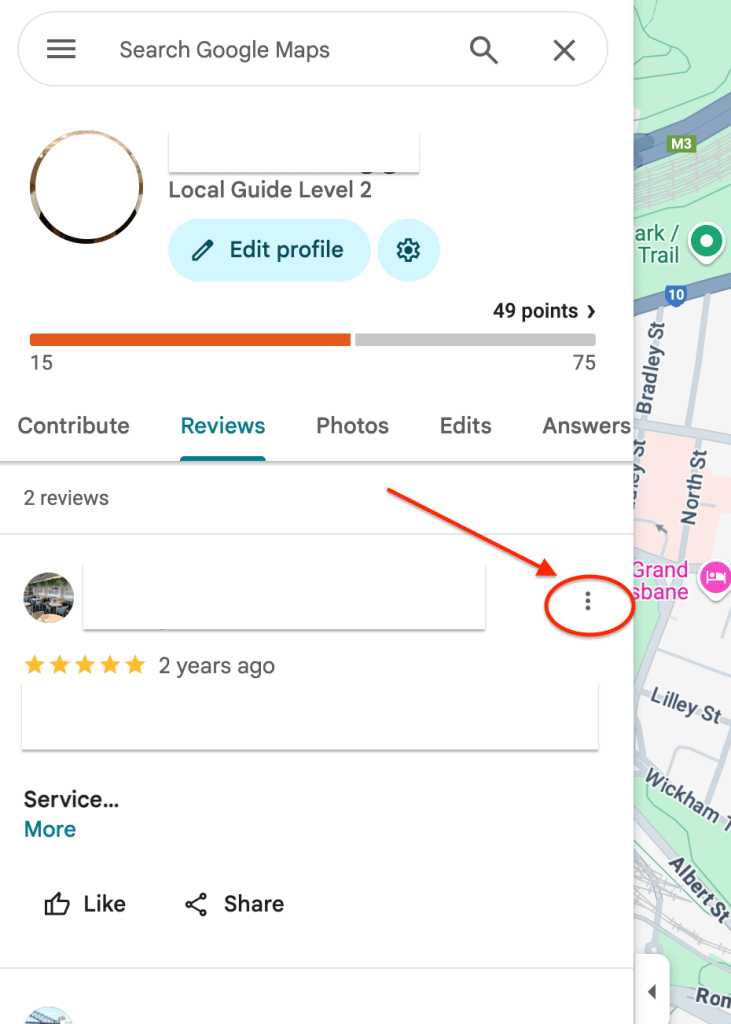
7. Click the three dots (⋮) next to the review you want to remove.
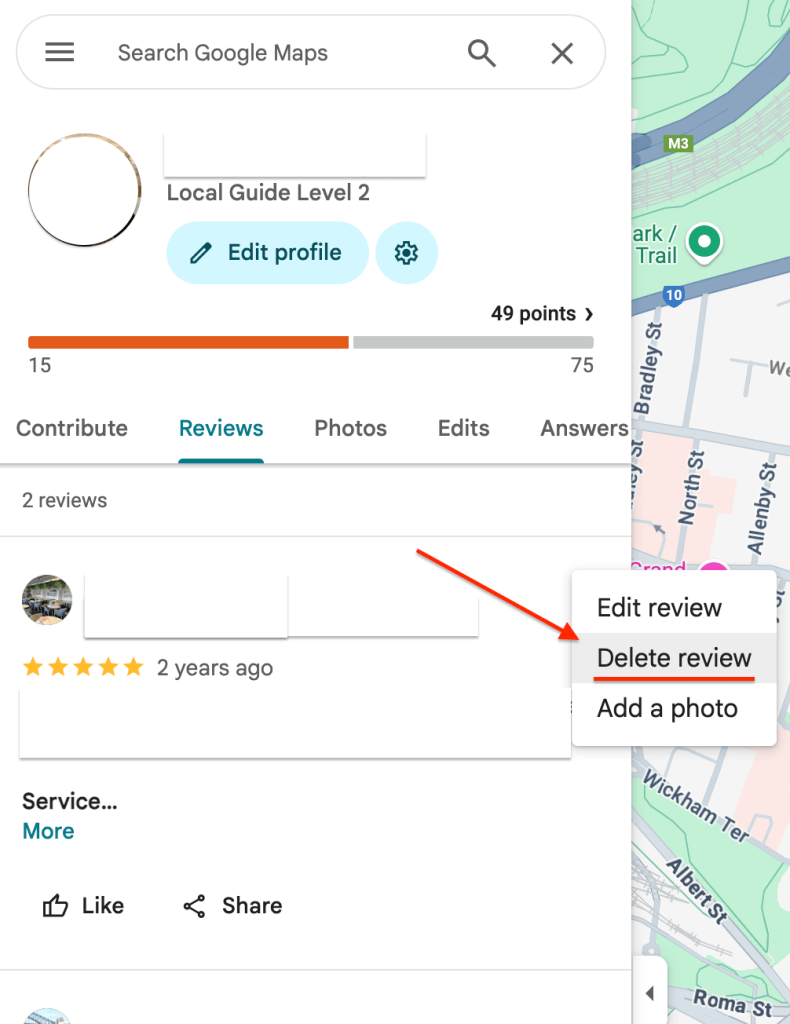
8. Select “Delete review” from the options.
✅ Tip:
If you can’t find the review you’re looking for, double-check that you’re logged into the same Google account you used when posting it.
How to remove a Google review on your phone 📱
You can also remove a review you’ve written using the Google Maps app on your mobile device. Here’s how:
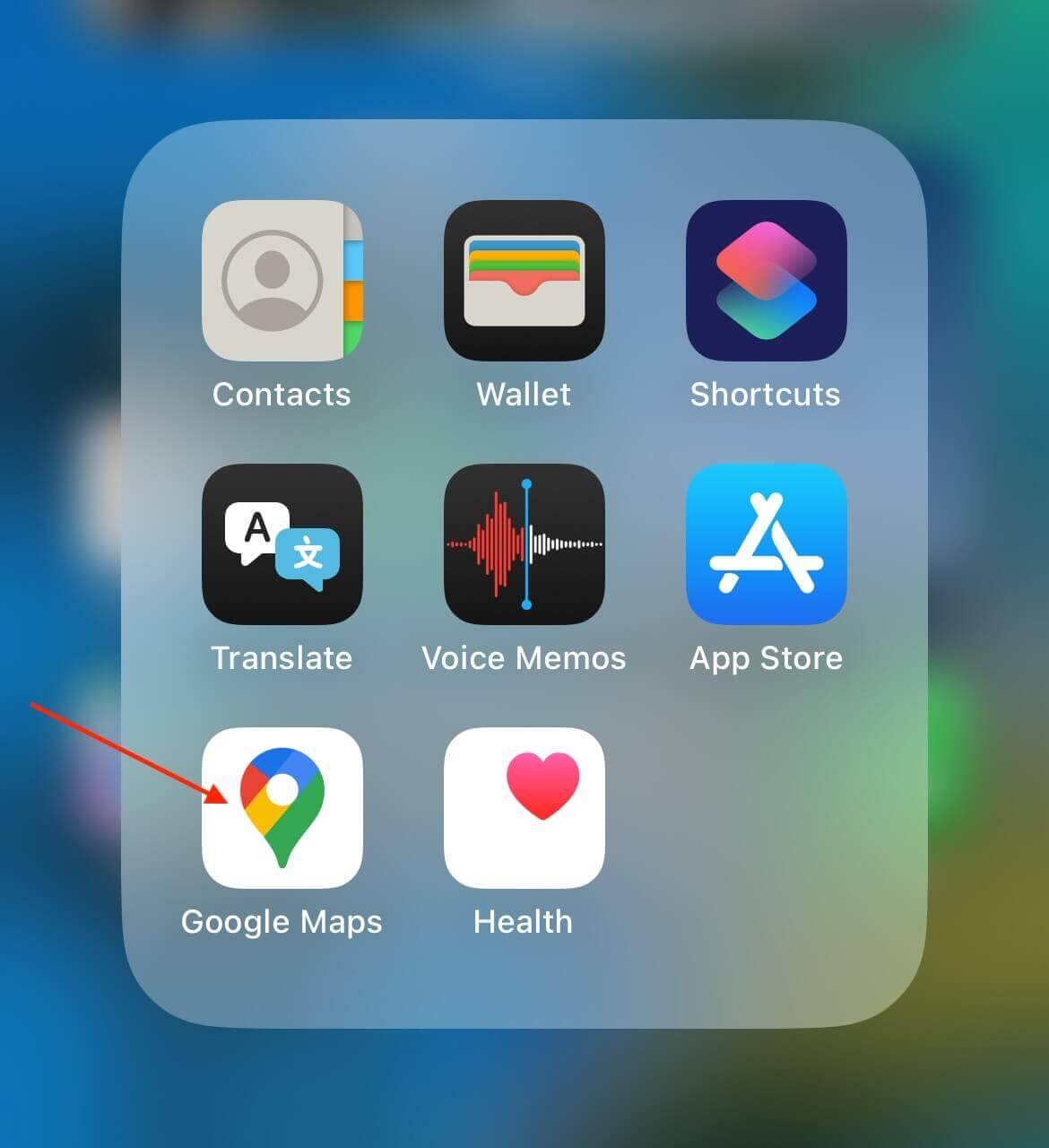
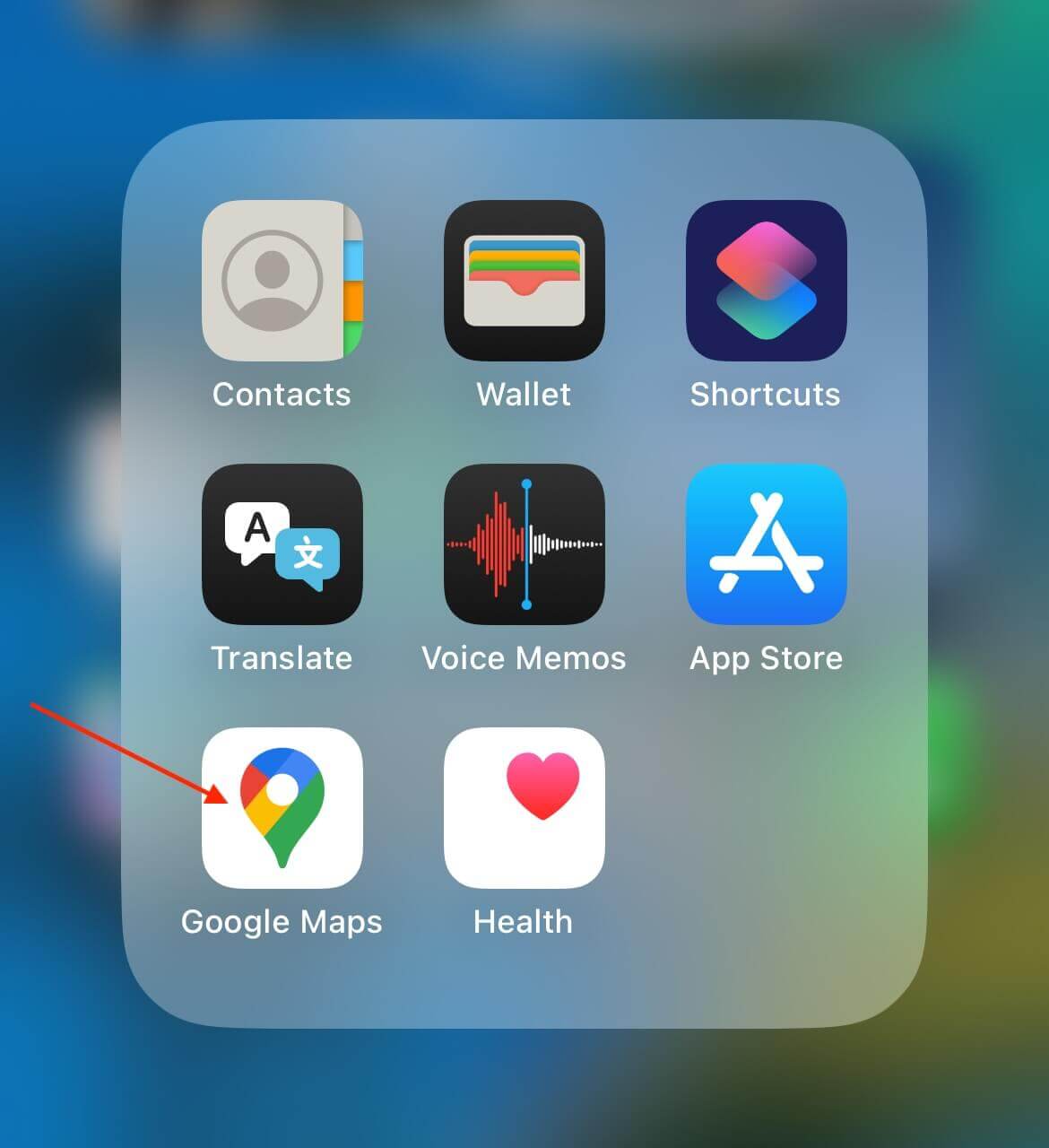
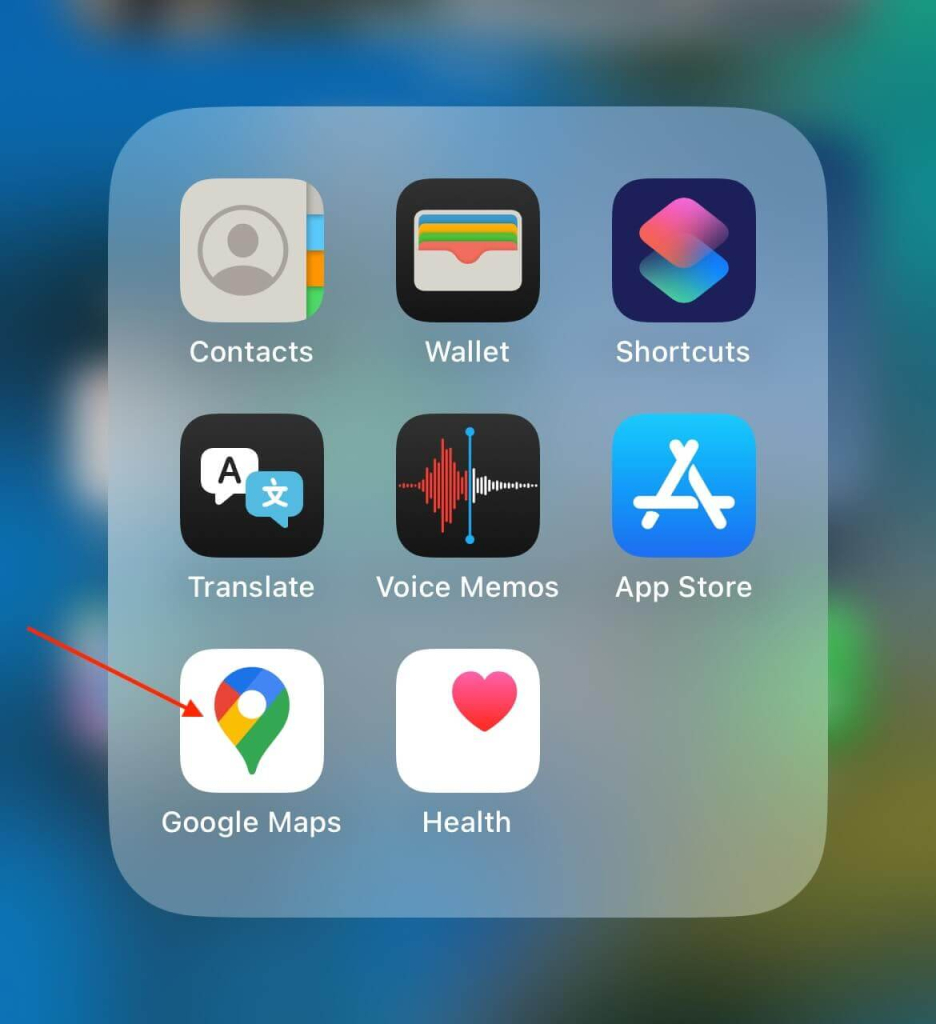
1. Open the Google Maps app on your phone.
2. Sign in to the Google account you used to post the review.
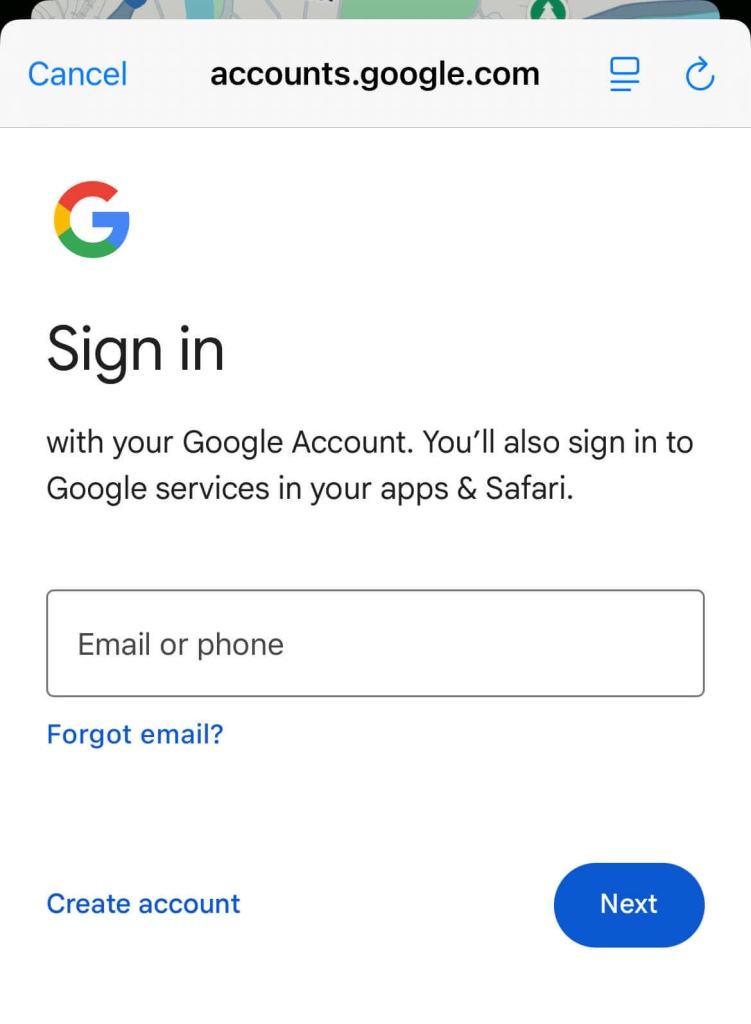
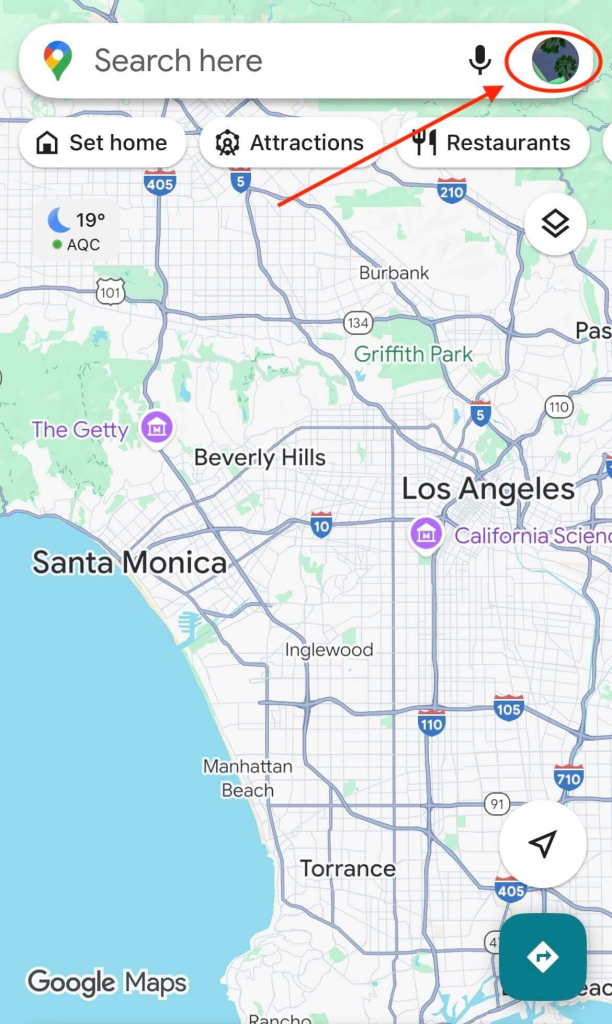
3. Tap your profile photo in the top-right corner of the screen.
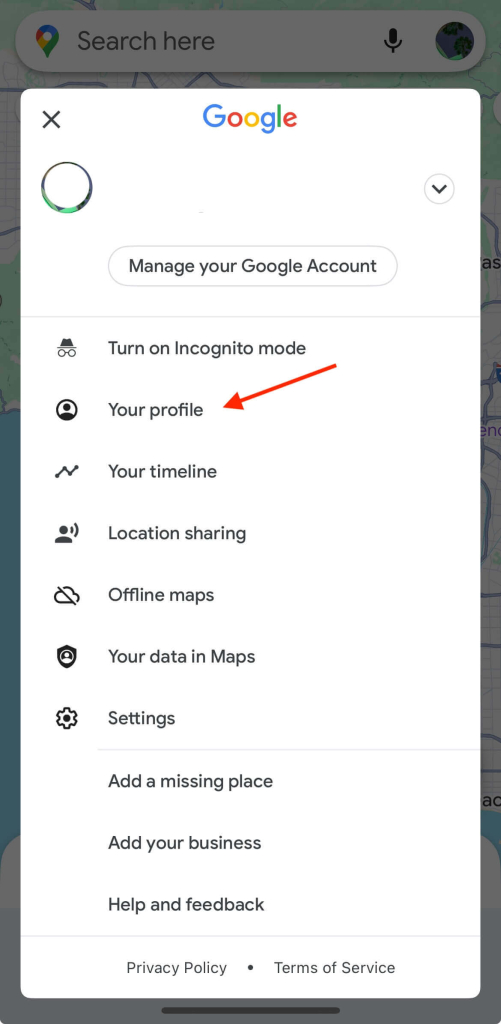
4. Select “Your profile”.
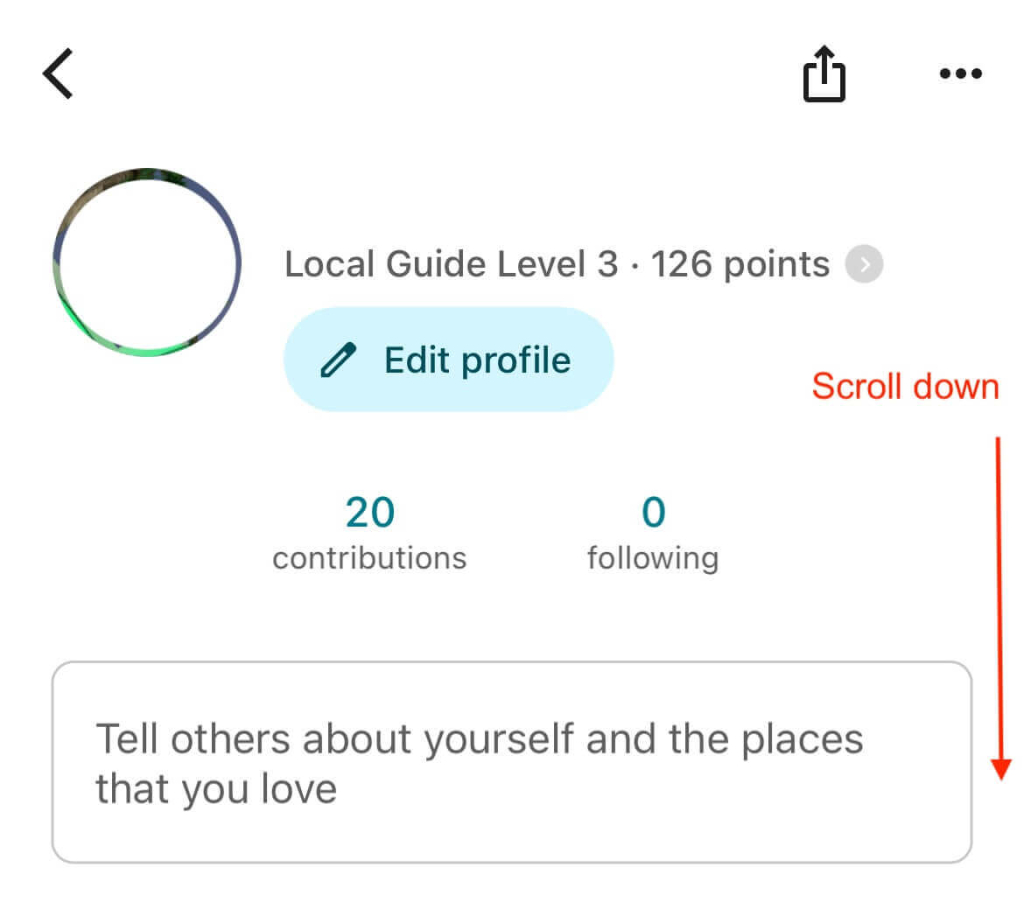
5. Scroll down to find the “Reviews” area — this is where all of your reviews are listed, with the newest ones at the top.
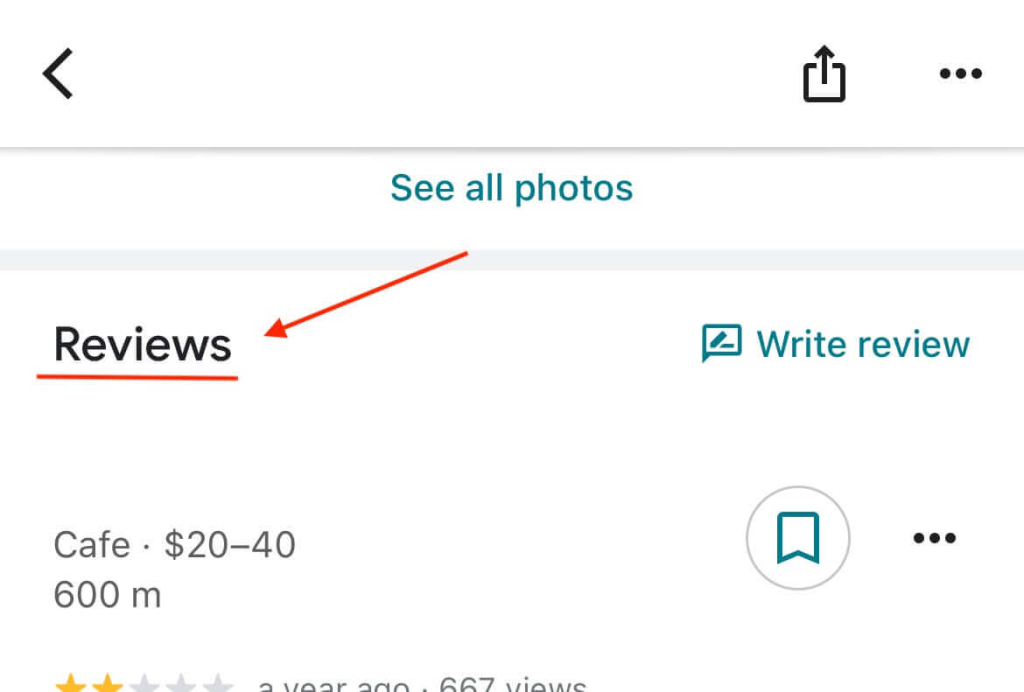
6. Find the review you’d like to remove and tap the three dots (⋮) beside it.
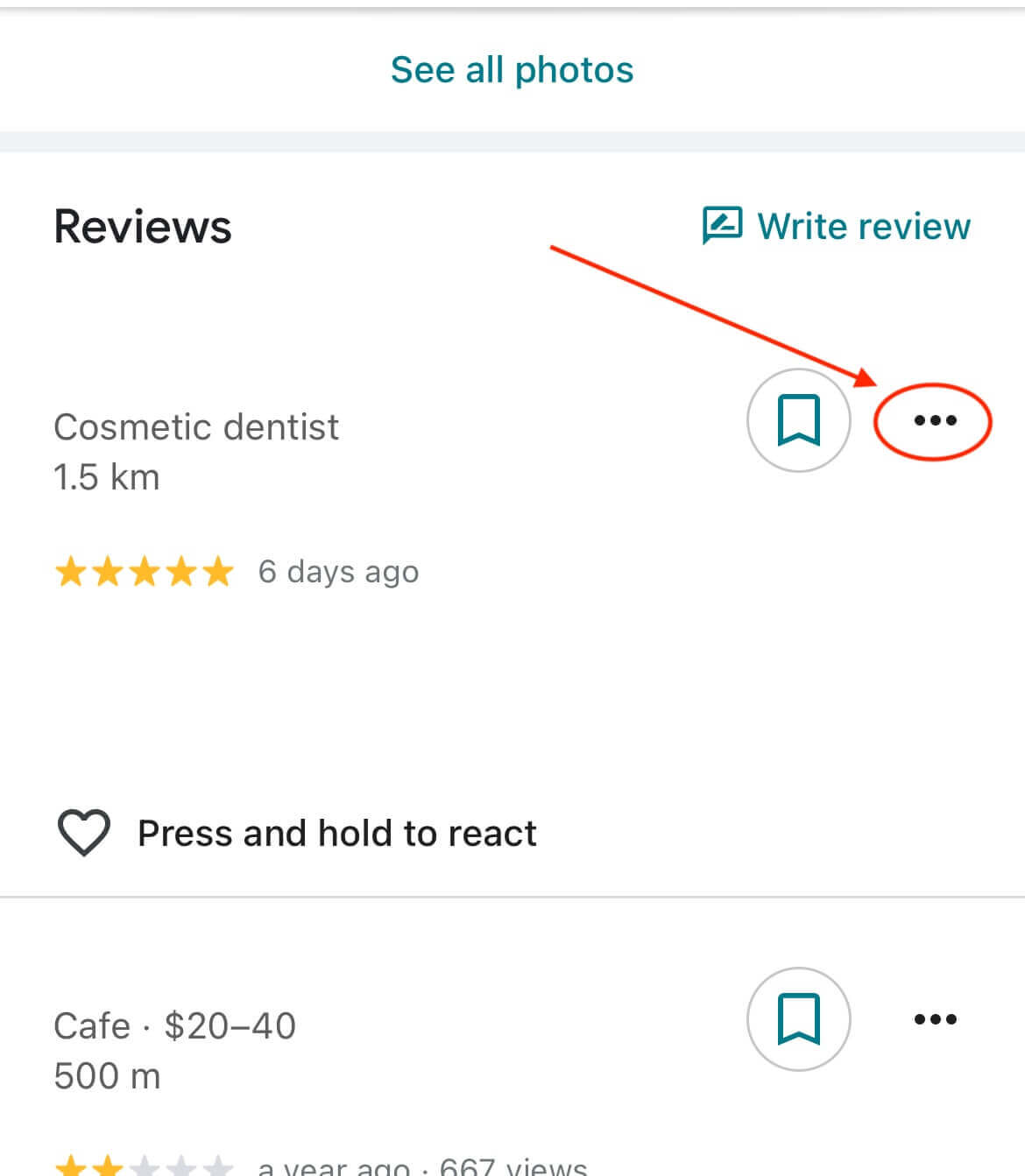
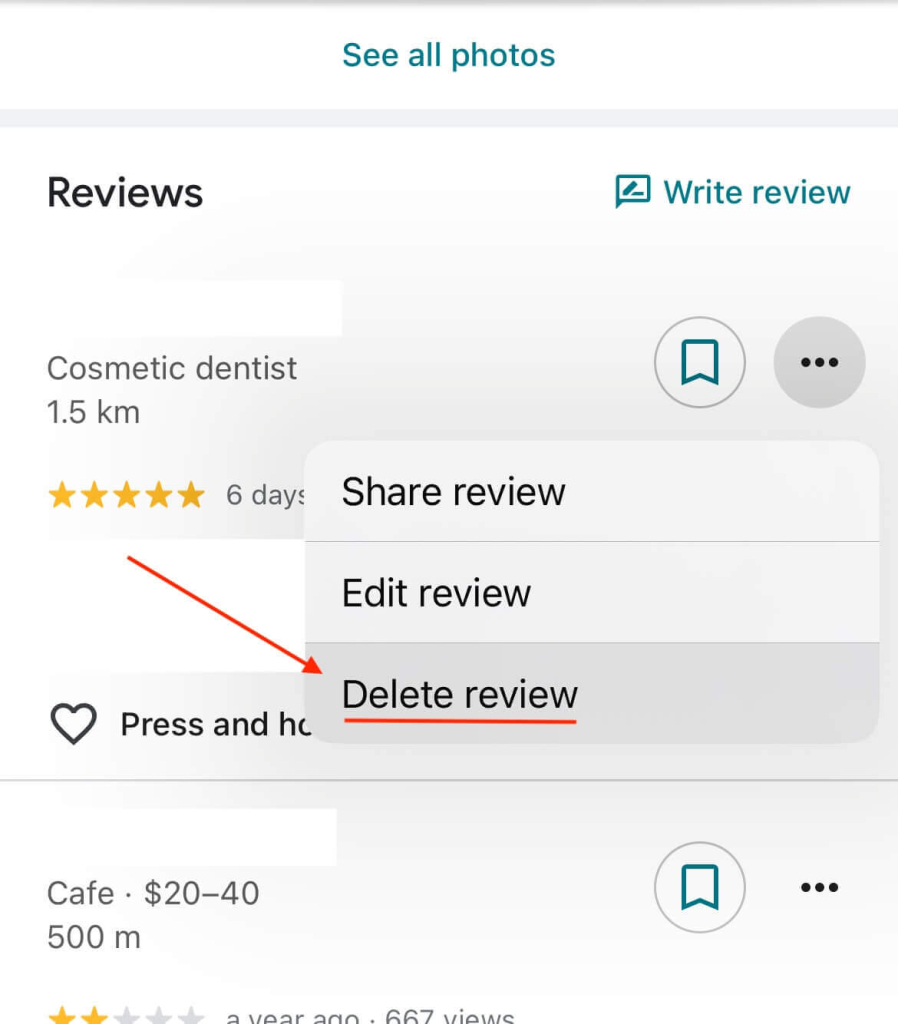
7. Select “Delete review”.
⚠️ Don’t have the Google app?
If you don’t have the Google Maps app installed, you can still delete a review through your phone’s browser (like Safari or Chrome).
Just follow the same steps as the desktop version, they work exactly the same on mobile.
📝 Want to edit your review instead?
If you just want to make changes, like updating your rating, fixing a detail, or rewriting part of your feedback, you don’t need to delete your review entirely.
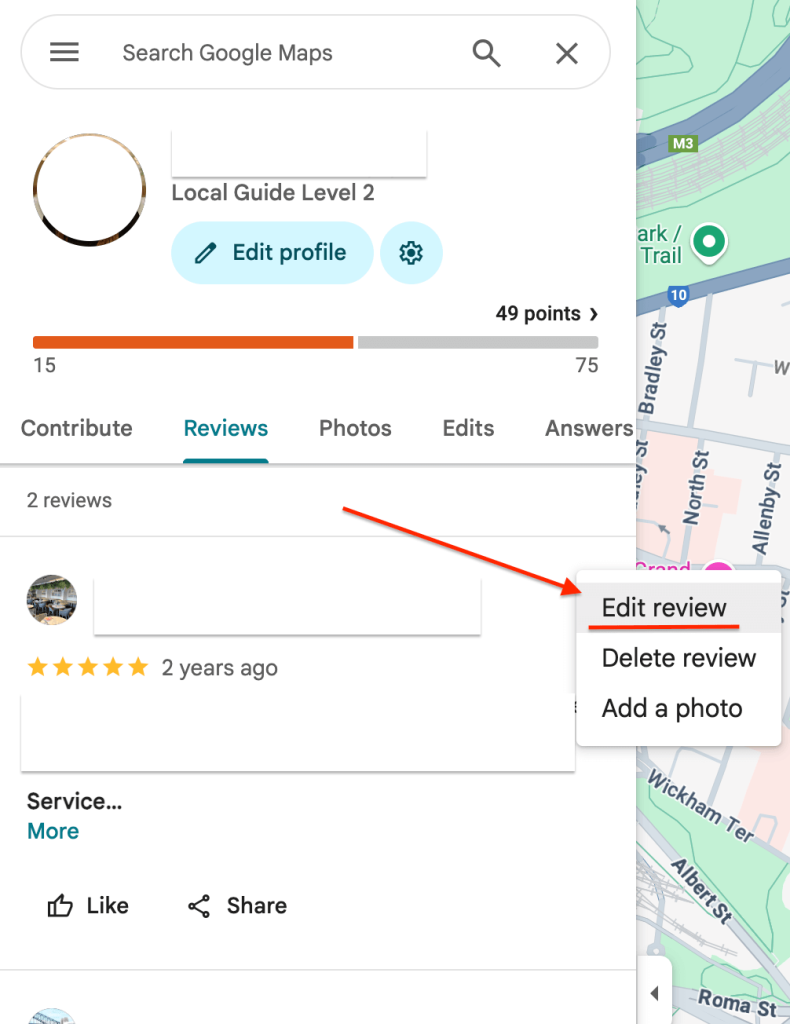
👉 Follow the same steps you used to locate your review, but when you reach the final step, select “Edit review” instead of “Delete review.”
You can then update your comments, adjust your star rating, and save the changes instantly.
What happens once a review is deleted?
When you remove a Google review, it’s taken down immediately — both from your profile and from public search results.
Deleted reviews can’t be recovered later, so if you decide you’d like to post feedback again, you’ll need to write a new one from scratch.
Once you’ve completed the steps above, your review is permanently removed — no further action needed.
Frequently asked questions
Why was my Google review removed?
In some cases, Google may remove reviews automatically — even if you didn’t delete them yourself.
This can happen when a review breaches Google’s content rules, such as containing offensive language, personal information, spam or content that isn’t relevant to the business.
Reviews can also vanish if a business listing was reinstated, merged, or occasionally due to technical issues on Google’s end.
Does the business get notified if I delete my review?
No, Google doesn’t alert the business when someone edits or deletes a review.
However, if the business regularly checks its profile, they may notice the review has been removed.
Can I delete a Google review from another account?
You can only remove reviews written from the Google account you’re currently signed in with.
If the review was posted using a different account, you’ll need to log into that specific account to delete it.